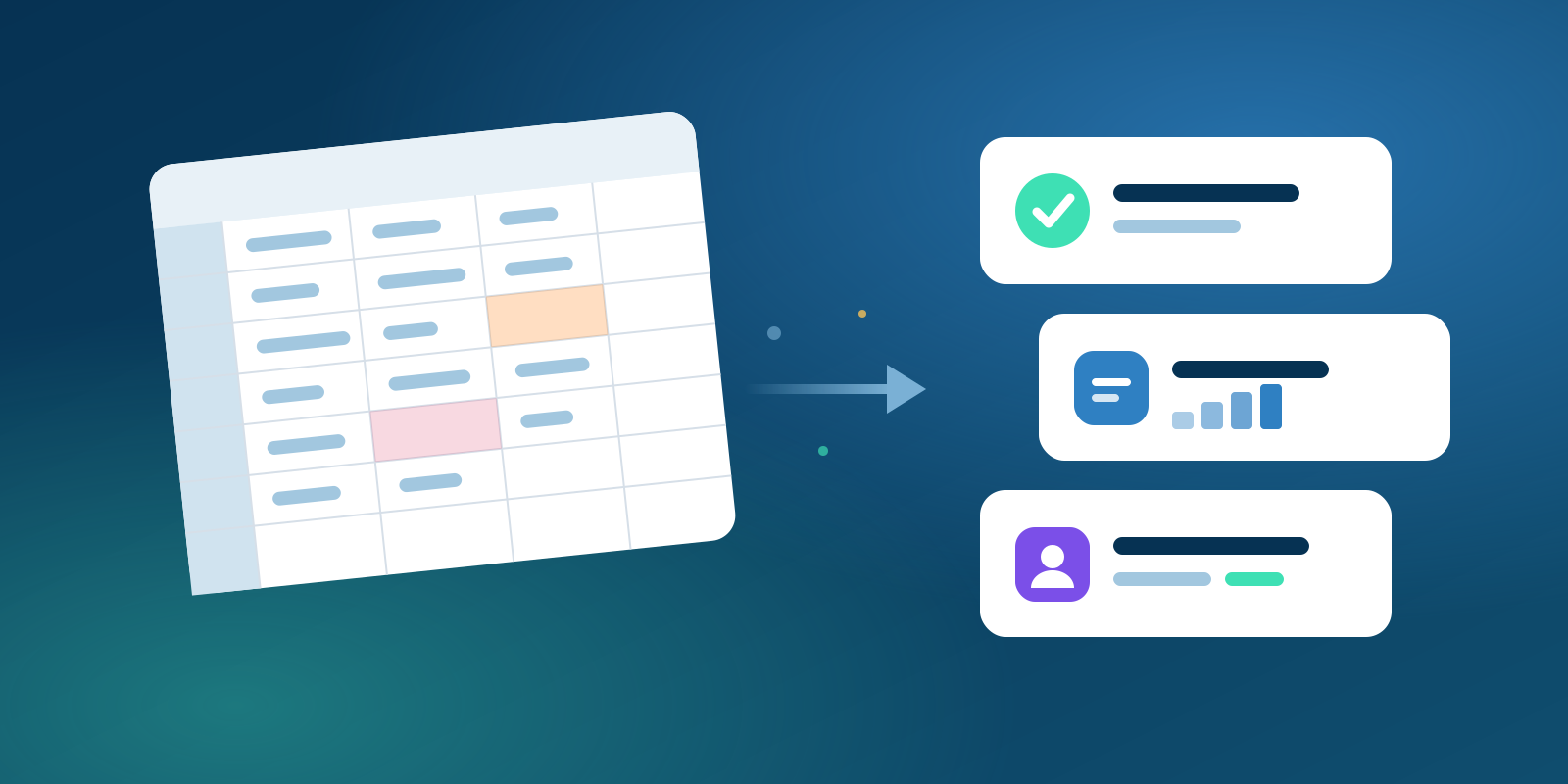
Excel is a fine place to start. Everyone knows it, and for the first twenty or thirty employees it usually works. But HR data grows in every direction at once: more people, more salary components, more leave types, more statutory rules. At some point the spreadsheet stops being a tool and becomes a risk.
A calm move depends mostly on preparation, not on software. If your data is clean and your rules are written down, the switch is smooth. If not, you simply move the mess to a new place.
Signs you have outgrown spreadsheets
Two or three of these are usually enough reason to change.
- Payroll takes days, and only one person really understands the sheet.
- There are several versions of the same file, and nobody is sure which one is current.
- Leave balances are disputed because approvals happened in chats and e-mails.
- Salary and bank details travel as e-mail attachments.
- PF, ESI, professional tax and TDS figures are copied by hand from one file to another.
- Employees keep asking HR for payslips, leave balances and letters.
What to collect first
Fix a cut-over date, ideally the first day of a month, and gather everything your payroll depends on as of that date.
- Employee master. Employee code, full name, date of birth, date of joining, department, designation, location, reporting manager, employment type, PAN, bank account and IFSC.
- Salary structures. Every component (basic, HRA, special allowance and so on), whether it is fixed or variable, which components count for PF, ESI and gratuity, and how bonuses and reimbursements are paid.
- Leave balances. The opening balance per employee and leave type, plus your rules for crediting, carry-forward, encashment and lapse.
- Attendance rules. Shifts, weekly offs, holiday calendars per location, half-day rules, overtime and how loss of pay is counted.
- Statutory details. Your PF and ESI codes, each employee's UAN and ESI number, the states where you deduct professional tax (slabs differ by state), and each employee's tax regime and declared investments for TDS.
If you switch in the middle of the financial year, you also need year-to-date salary and TDS figures for every employee, including income from a previous employer that year. That is one reason many companies prefer to go live on 1 April.
It is also a good moment to review your salary structures. India's labour codes have replaced many older labour laws, and their definition of wages can change how much of a salary counts for PF and gratuity. Check your structures with your CA or payroll adviser before you copy them into a new system. This article is general information, not tax or legal advice.
Clean the data before you move it
Most problems in a new HR system come from the old data. Work through the sheet before you import it.
- Make one master list and decide which file is the source for each field.
- Give every employee a unique code, and never reuse the code of someone who has left.
- Use one date format, write names exactly as on the PAN, and remove merged cells, colour codes and hidden notes.
- Check statutory numbers for obvious errors. A PAN has 10 characters, a UAN 12 digits and an IFSC 11 characters.
- Ask managers to confirm their team's leave balances, and settle disputes before go-live.
- Move former employees to a separate sheet, but keep their records for final settlement and history.
Decide who sees what
In a spreadsheet, access is all or nothing: whoever has the file sees every salary. A proper system gives each person only the access their job needs. Write it down before go-live.
- HR team sees employee records, attendance and leave, and salaries only if they run payroll.
- Payroll or finance sees salaries, bank details and statutory data.
- Managers see their own team's attendance and approve their leave, but not salaries.
- Employees see only their own data.
Bank account numbers, PAN and similar numbers should appear masked to anyone without the right to see them in full. Remove access on the day someone changes role or leaves. India's Digital Personal Data Protection Act, 2023 also expects you to collect only the personal data you need and to protect it with reasonable safeguards.
Run payroll in parallel for at least one month
Never switch payroll on trust. For at least one month, run the old sheet and the new system side by side.
- Process the same month in both, with the same attendance and leave data.
- Compare employee by employee: gross pay, each deduction (PF, ESI, professional tax, TDS), employer contributions and net pay.
- Investigate every difference. Usual causes are rounding, a missing component, wrong loss-of-pay days or a rule set up differently.
- Fix the setup in the new system rather than correcting numbers by hand, then run it again.
- Compare the bank transfer file and the statutory reports too, not just the payslips.
Pay from the new system only when the numbers match or you can explain every difference. With many variable components, or a go-live close to year end, run two months in parallel.
Bring employees in with self-service
Once the data lives in one system, let employees help themselves. With self-service they can mark attendance, apply for leave and see their balance, download payslips and send requests to HR. Approvals leave a record, and HR answers fewer repeat questions.
Roll it out gently. Start with one team, give everyone a one-page guide, and set a date after which leave is accepted only through the system.
Go-live checklist
- Employee master imported and checked against your cleaned sheet.
- Salary structures tested on sample employees, including a mid-month joiner and leaver.
- Opening leave balances loaded and confirmed by managers.
- Holiday calendars and shift rules set for every location.
- PF, ESI, professional tax and TDS settings checked, with year-to-date figures if you go live mid-year.
- Roles set, with salaries and bank details visible only to the right people.
- At least one parallel payroll run that matches.
- Bank transfer file format confirmed with your bank.
- Employees invited to self-service and told the start date.
- Old spreadsheets archived as read-only.
If you are choosing a system, Novera's HR & Payroll suite is built for this path. It covers employees, attendance, leave, self-service and payroll with PF, ESI, PT and TDS for Indian companies, and you can import your cleaned Excel sheets instead of retyping them. Bank details, tax and ID numbers are encrypted and shown in full only to people with the right, and employee users who only need self-service cost much less than full users. See the plans and prices or book a demo.
Questions and answers
How long does the move take?
It depends more on your data than on the software. With clean data and written rules, a small company can often be ready in a few weeks, plus at least one month of parallel payroll.
When is the best time to switch?
The first day of a month at the least. The start of the financial year on 1 April is cleanest, because the TDS calculation starts fresh. If you switch mid-year, load year-to-date salary and tax figures.
Should we keep the old spreadsheets?
Yes. Keep them read-only and store them as securely as the new system. Payroll and tax records must be kept for several years, so check the exact periods with your CA.
Can managers approve leave without seeing salaries?
Yes. In a good system, approving leave and seeing salaries are separate rights.